
en:product:webmail:addressbook:myaddress
This is an old revision of the document!
My Address
Creating your own contact information to the addressbook.
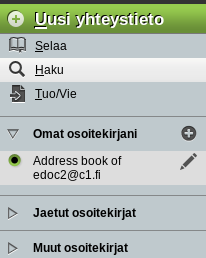
- Select Address Book from the horizontal menubar.
- Select (+) New Contact from the vertical menubar on left.
- Fill in the information (At least your given name):
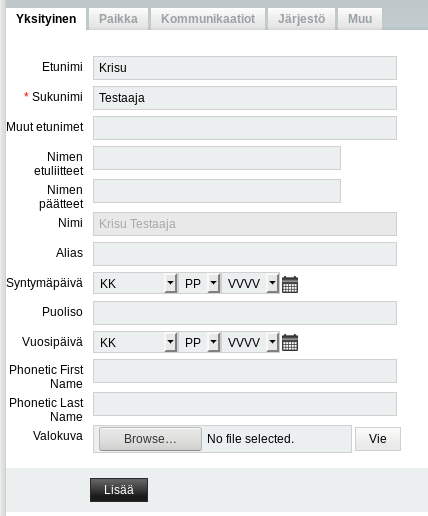
- Once the information has been filled in please klick Add button on the bottom of the form.
- One the far lefr (on same level as your name now) there's a text Mark this as your own contact - Click this text:
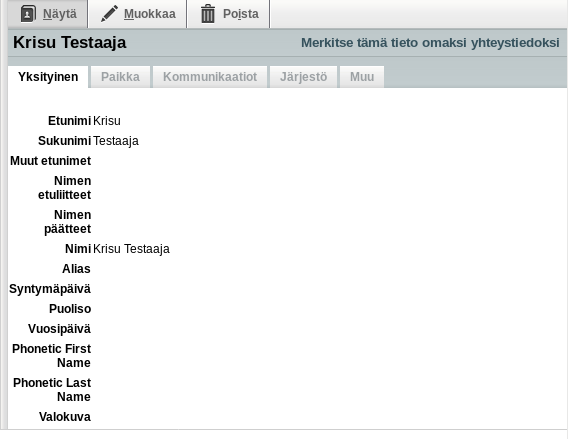
- Done!

en/product/webmail/addressbook/myaddress.1615710694.txt.gz · Last modified: by superadmin