
en:client:nine_mail:setup
This is an old revision of the document!
Nine - c1.fi account setup
Install Nine from Google Play Store:
* https://play.google.com/store/apps/details?id=com.ninefolders.hd3
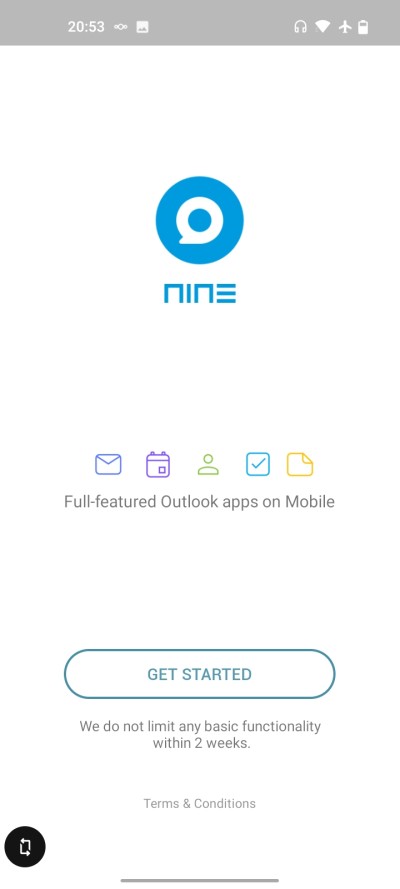
Start Nine:

Email address: Type in the email address you use in c1.fi service Password: Type in the password for the email account you entered in previous field
Tap “MANUAL SETUP”

Server: wm.c1.fi Security type: SSL/TLS Port: 443
Tap “NEXT”

In case you want to use some other email app (like K9) you may want to tap on the “email” symbol so that Nine will NOT sync emails. In case you plan to use Nine for emails leave the icons as they are.
Tap “NEXT”
Ready! 
en/client/nine_mail/setup.1655214344.txt.gz · Last modified: by superadmin